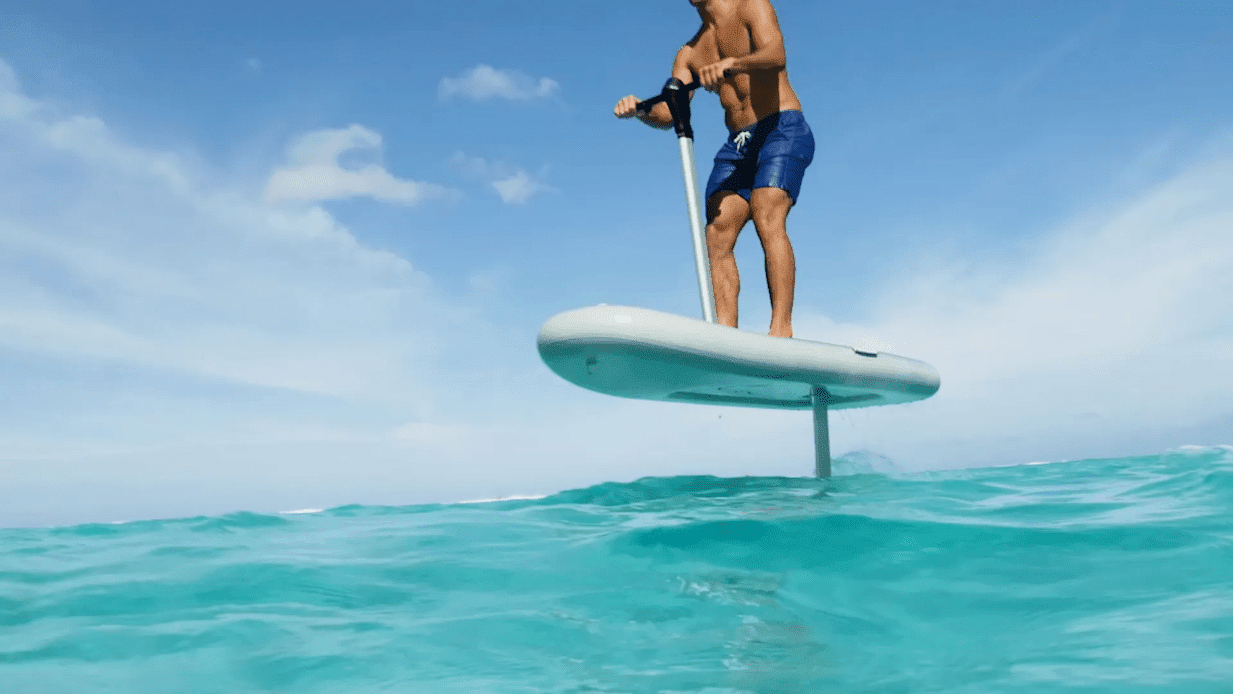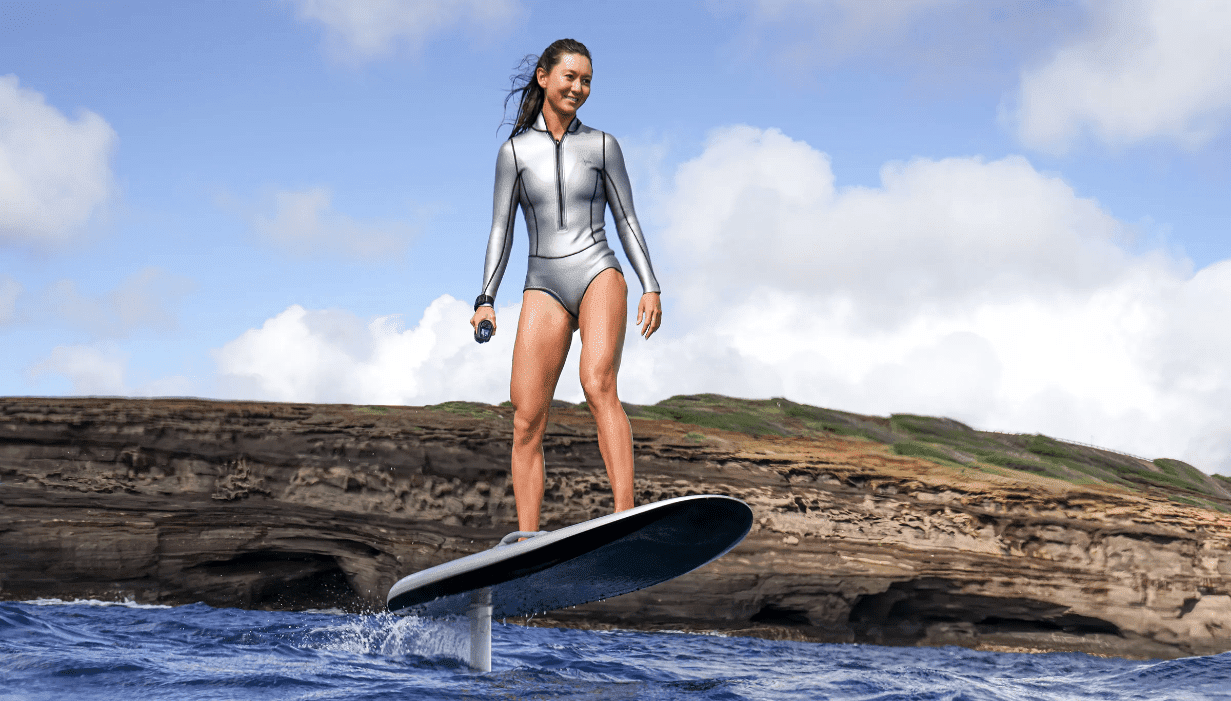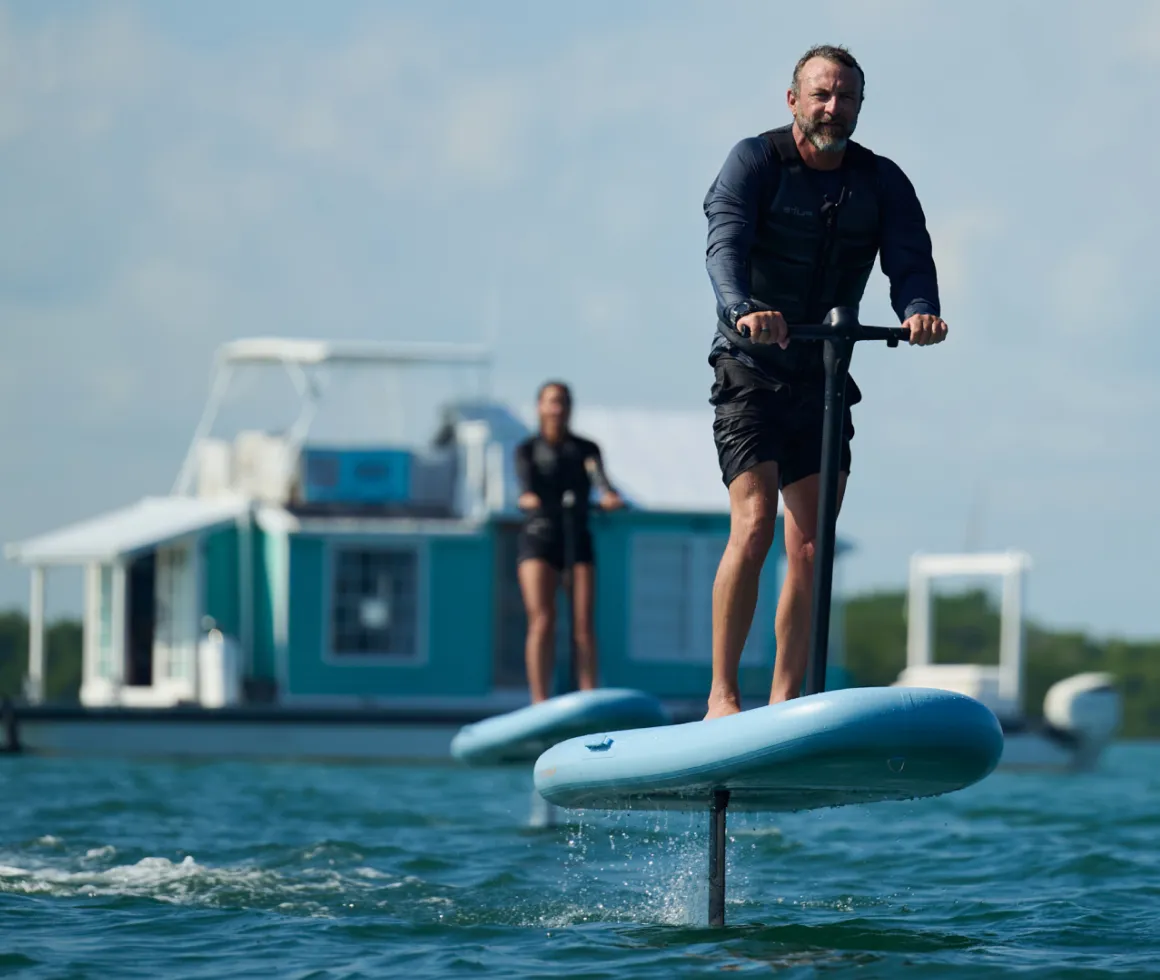
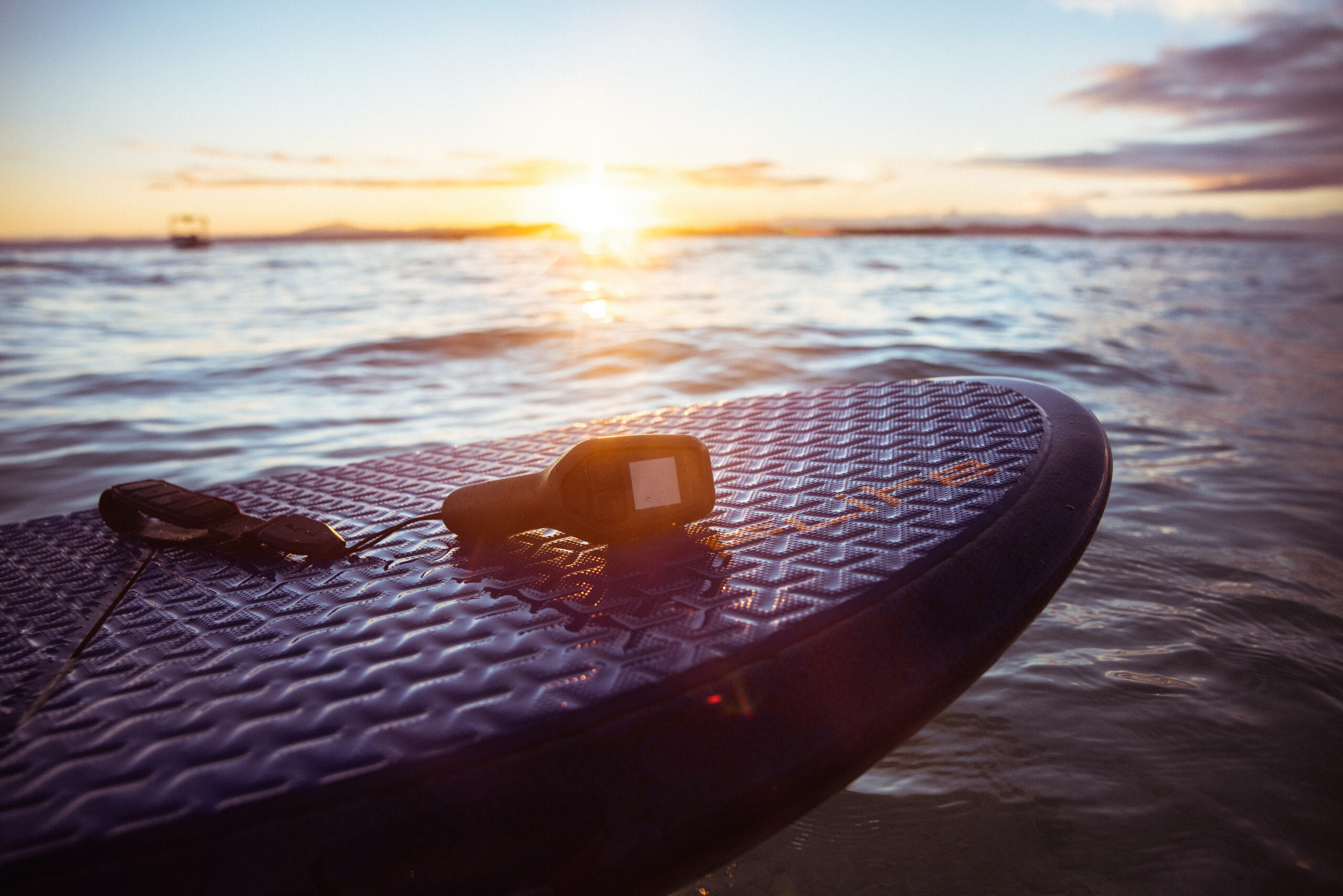
Fliteboard continues to add useful functionality through software updates, and one of the more significant changes for riders is the introduction of Learner Mode and Pro Mode.
Available with Fliteboard software version 2.88.7 and later, the two modes allow the Flite Controller experience to better match a rider’s skill level. Learner Mode keeps things simple and focused, while Pro Mode unlocks additional displays, riding data, and performance settings.
If you've recently updated your Fliteboard and noticed that some familiar controller screens or settings have disappeared, don't worry. Your controller may simply be operating in Learner Mode.
Learner Mode is designed to provide a simpler riding experience focused on progression.
Instead of displaying every available screen and setting, the Flite Controller shows the essentials. This reduces complexity and allows newer riders to focus on developing confidence and control on the water.Learner Mode provides:
For someone learning to eFoil, that simplicity makes a lot of sense. There is already plenty to concentrate on while developing board control, managing speed, and learning to foil without adding advanced settings into the mix.

Once you're comfortable on your Fliteboard, Pro Mode opens up the full controller experience.
Pro Mode provides access to all controller screens and advanced riding data, while also unlocking several additional performance settings.
These include:
For experienced riders, these settings provide more control over how the board responds and more information about what's happening during the ride.
Fast Arming provides a quicker way to arm your Fliteboard.
It must be selected in the controller settings at the beginning of each ride. Once enabled, the board can be armed with a double press of the trigger, providing a faster alternative to the standard unlock process.
For experienced riders who frequently stop and restart during a session, it's a small but useful convenience.
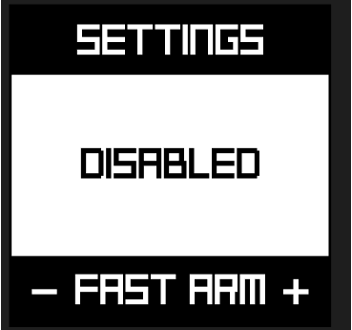
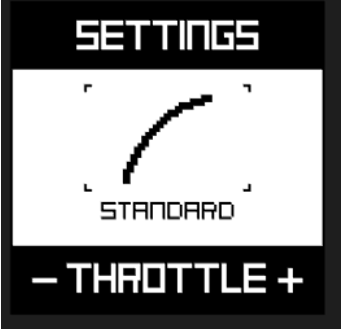
Pro Mode also allows riders to change the relationship between trigger input and power delivery.
Flite provides three throttle curve options:
Normal provides balanced and forgiving power delivery and is tuned to feel natural for most riders.
Light Rider reduces the amount of power delivered at each gear setting.
It is designed specifically for lighter riders, making it easier to control foiling position and reducing the likelihood of overpowering the foil and breaching.
Linear provides a more responsive trigger feel with a straight-line relationship between trigger input and power output.
This gives experienced riders another way to fine-tune the way their Fliteboard responds to their riding style.
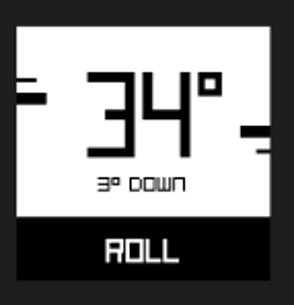
Pro Mode also adds additional options for riders who want to push harder through turns.
An extended tilt-detection setting allows a greater lean angle before the board's tilt detection cuts motor power. This can be useful when making sharper, more aggressive turns.
A pitch and roll display also provides riders with additional information about the board's movement while carving.
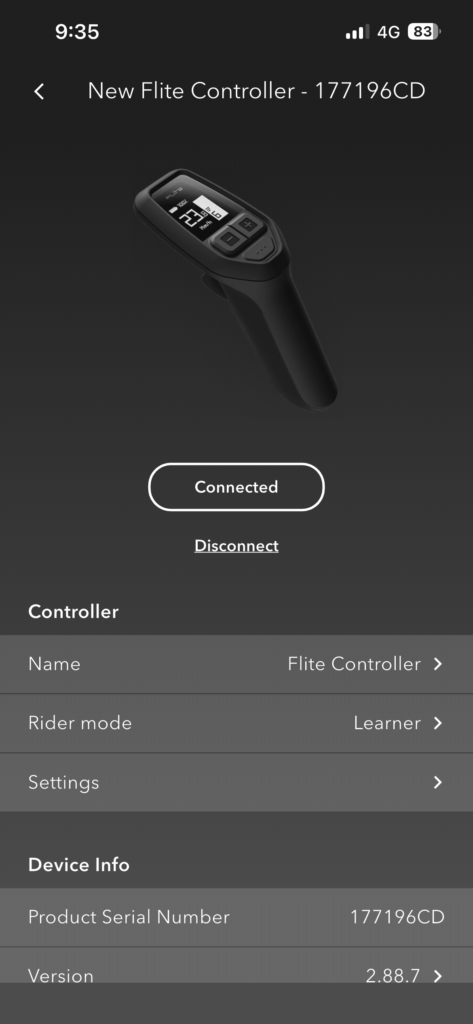
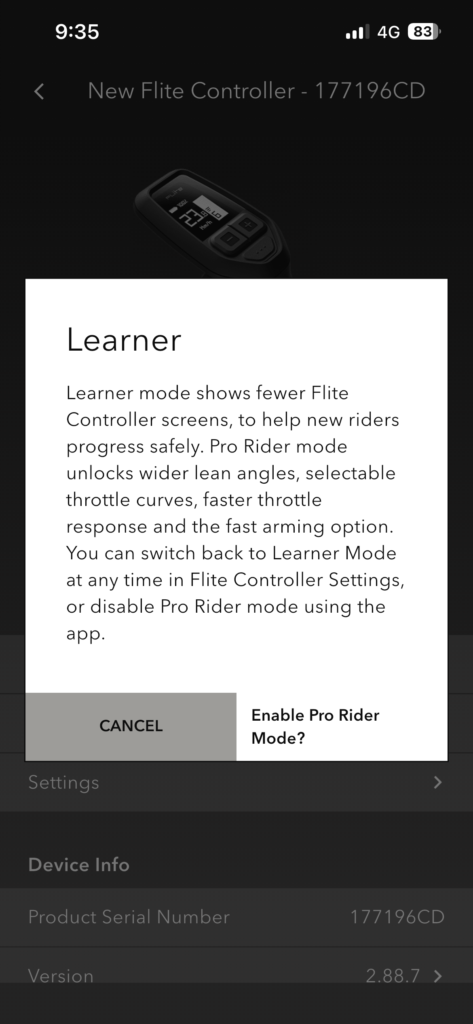
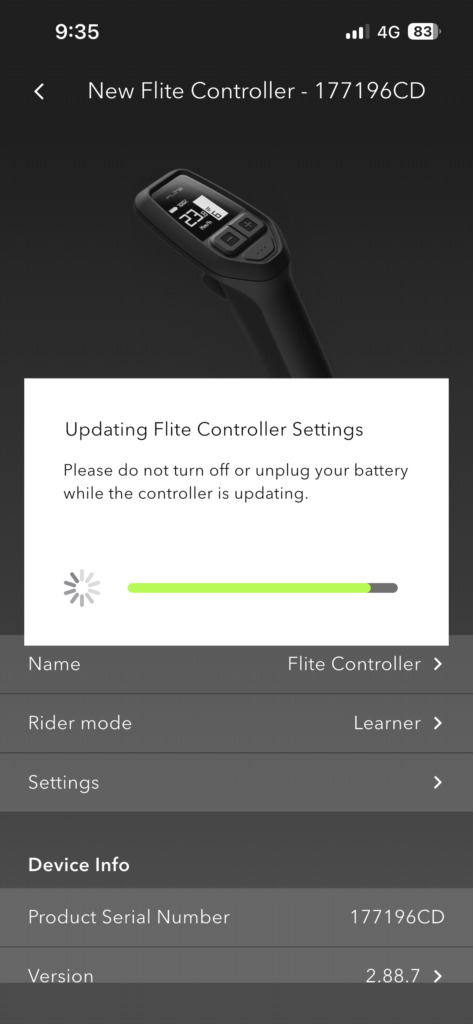
Before enabling Pro Mode, make sure the Flite App, eFoil, and Flite Controller are updated.
Then:
The Flite Controller will automatically update after Pro Mode is selected.
For riders who are still learning to eFoil, Learner Mode is a great place to start.
The streamlined controller interface allows you to concentrate on the fundamentals without introducing settings you may not need yet.
As your riding progresses, Pro Mode becomes more useful. Once you're comfortable controlling altitude, carving, managing power, and recovering from touchdowns, the additional settings and riding information can help you fine-tune the experience.
Experienced riders will also appreciate having access to the full range of controller screens and performance settings.
And if you decide you prefer the simpler experience, you can switch back to Learner Mode.
Not sure which rider mode is right for you? Having trouble updating your Fliteboard or getting your controller configured?
Emerald Wake is an authorized Fliteboard dealer offering sales, lessons, setup, service, and support.
Whether you're getting on an eFoil for the first time or looking to get more performance from your current Fliteboard, we're happy to help you get your setup dialed in.
Contact Emerald Wake to learn more about Fliteboard, schedule a lesson, or get help with your existing board.
Please fill out this form and someone from our team will contact you as soon as possible. You can also reach us by email at [email protected]
[email protected]
Phone: (850) 400-8500
Business hours:
Mon-Sat: 8am – 5pm
Sun: 9am – 4pm

© 2026 Emerald Wake LLC - All Rights Reserved
Privacy Policy | Accessibility | Terms of Use | Disclaimer